You haven't signed in yet, you can have a better experience after signing in
*Please complete the payment within {{receiveCouponInfo.expire_at}}Previous use*
You haven't signed in yet, you can have a better experience after signing in



Activity Rules
1、Activity time:{{ info.groupon.start_at }} ~ {{ info.groupon.end_at }}。
1、Activity time:cease when sold out。
2、Validity period of the Group Buying:{{ info.groupon.expire_days * 24 }} hours。
3、Number of Group Buying:{{ info.groupon.need_count }}x。
Please Pay Attention
1、Teamwork process: Join/initiate a Group Buying and make a successful payment - Within the validity period, the number of team members meets the activity requirements - Group Buying succeeded!
2、If the number of participants cannot be met within the valid period, the group will fail, and the paid amount will be refunded in the original way.
3、The number of people required and the time of the event may vary among different products. Please pay attention to the rules of the event.

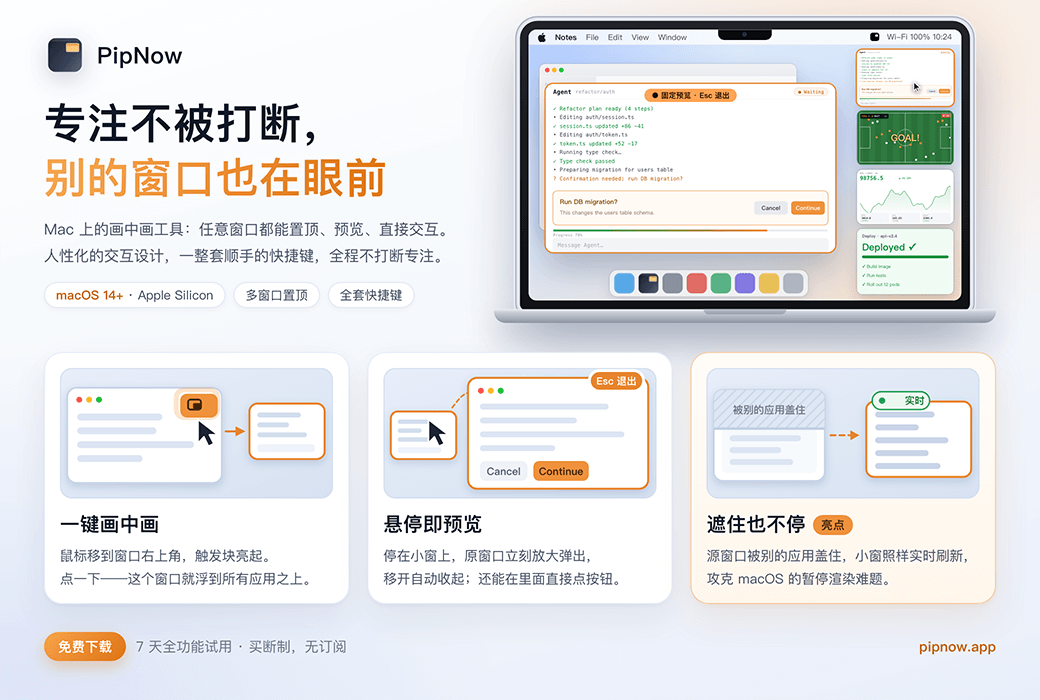
PipNow allows everything to be seen at a glance!
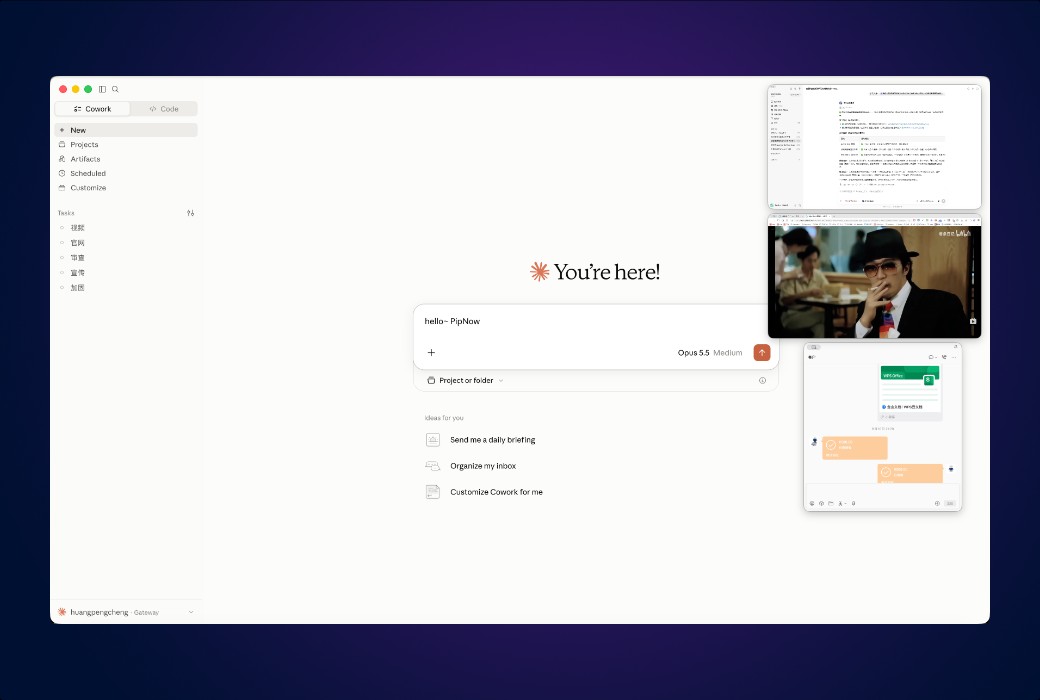
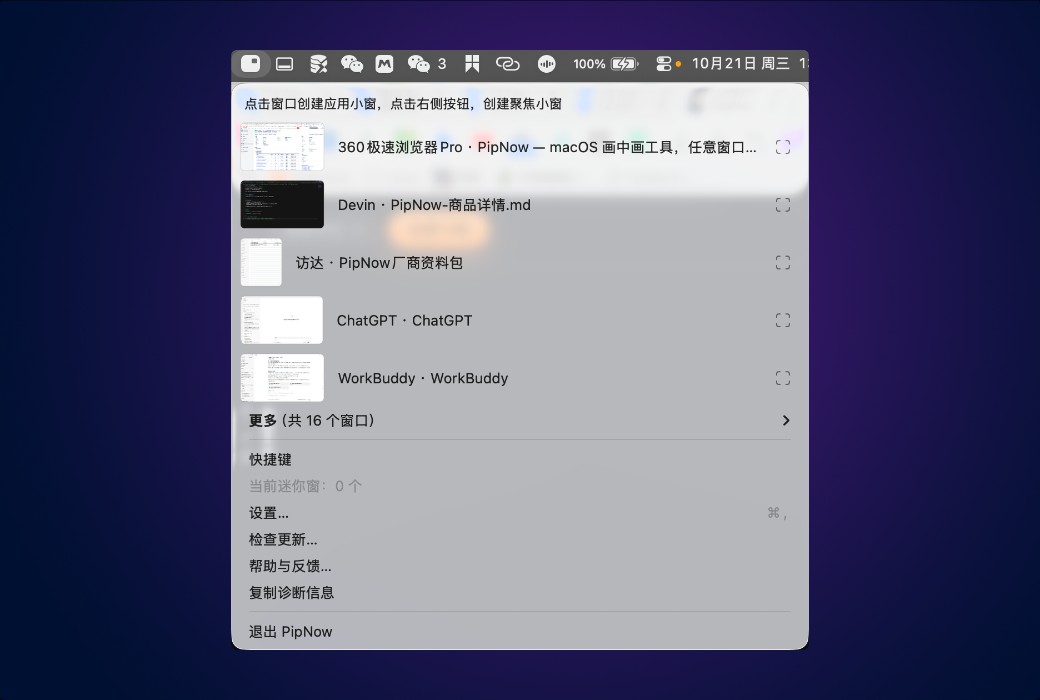
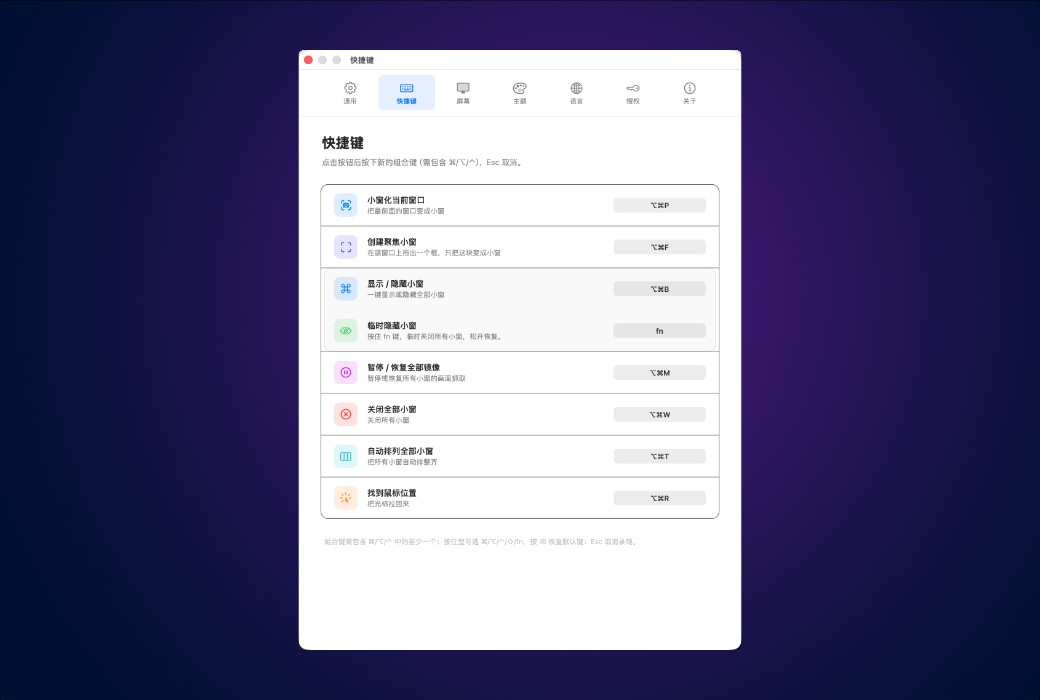
Transform any window into a floating small window (picture in picture) and pin it onto all applications - not just videos, any application is fine. The troubles of cutting back and forth can be solved in one go.
Three core designs, no longer allowing switching applications to interrupt flow!
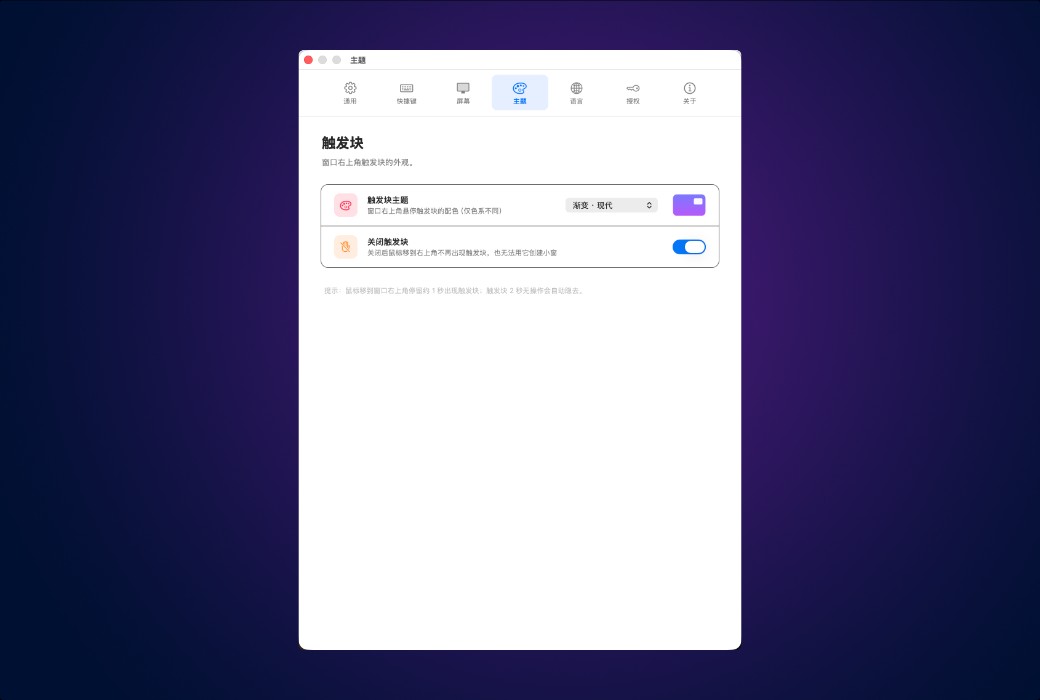
Hover the mouse over the upper right corner of any window for a moment, and the trigger block lights up - click it, and the window immediately becomes a floating small window, nailed to all applications.
Hover the mouse over the small window, and the original window screen will pop up instantly; Move away and put away. Take a glance at the situation without interrupting the task at hand.
Click on the small window to fix the preview in the center of the screen, then directly click on the preview, enter - click the button, and send back the message. The original application never leaves.
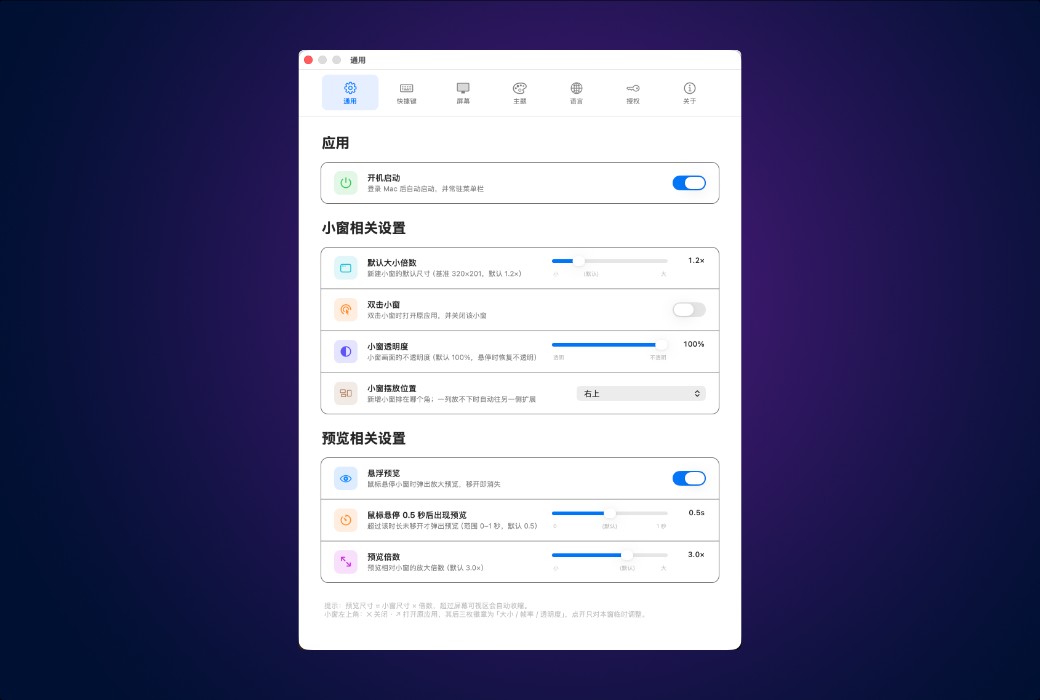
More thoughtful features
Adding up the small details, there's no need to switch anymore.
Not just picture in picture
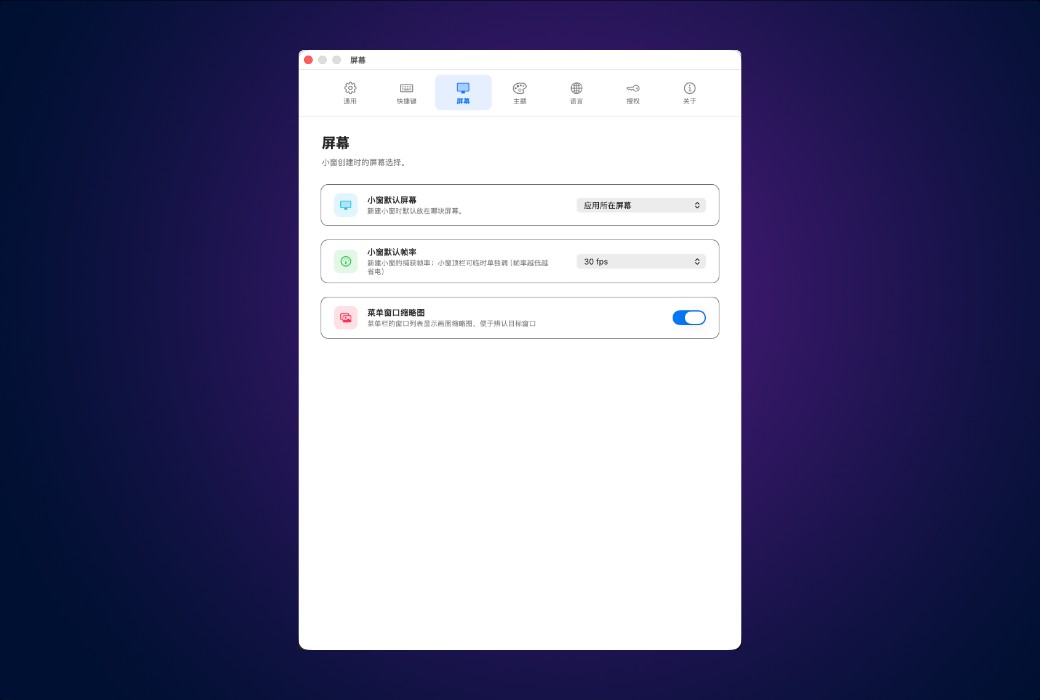
Even though it is a small window, PipNow can still preview, operate, and keep being covered.
Official website:https://pipnow.app/
Download Center:https://pipnow.apsgo.cn
Shipping time:24-hour automatic shipping
Operating Platform:macOS
Interface language:Supports Chinese interface display and multiple language options.
Update Description:One purchase, lifetime free updates.
Trial before purchase:Free trial is available before purchase.
How to receive goods:After purchase, the activation information will be sent to the email address at the time of placing the order, and the corresponding product activation code can be viewed in the personal center, My Orders.
Number of devices:It depends on the version purchased.
Replace computer:Authorization and device binding. Before replacing the device, it is necessary to unbind it from the original device, otherwise the new device cannot be activated.
Activation guidance:To be added.
Special note:To be added.
reference material:https://pipnow.app/

Any question

The system's built-in picture in picture is only effective for videos, with a fixed size and cannot be operated inside
PipNow is effective for the entire window - chat, documents, market trends, AI tools can all become small windows, zoom in and preview when the mouse hovers over them, and you can also click and input directly in the preview